01 / Design
Visual Workflow Engine
Complete a workflow application by dragging process nodes into place and connecting them visually.
Get Started →
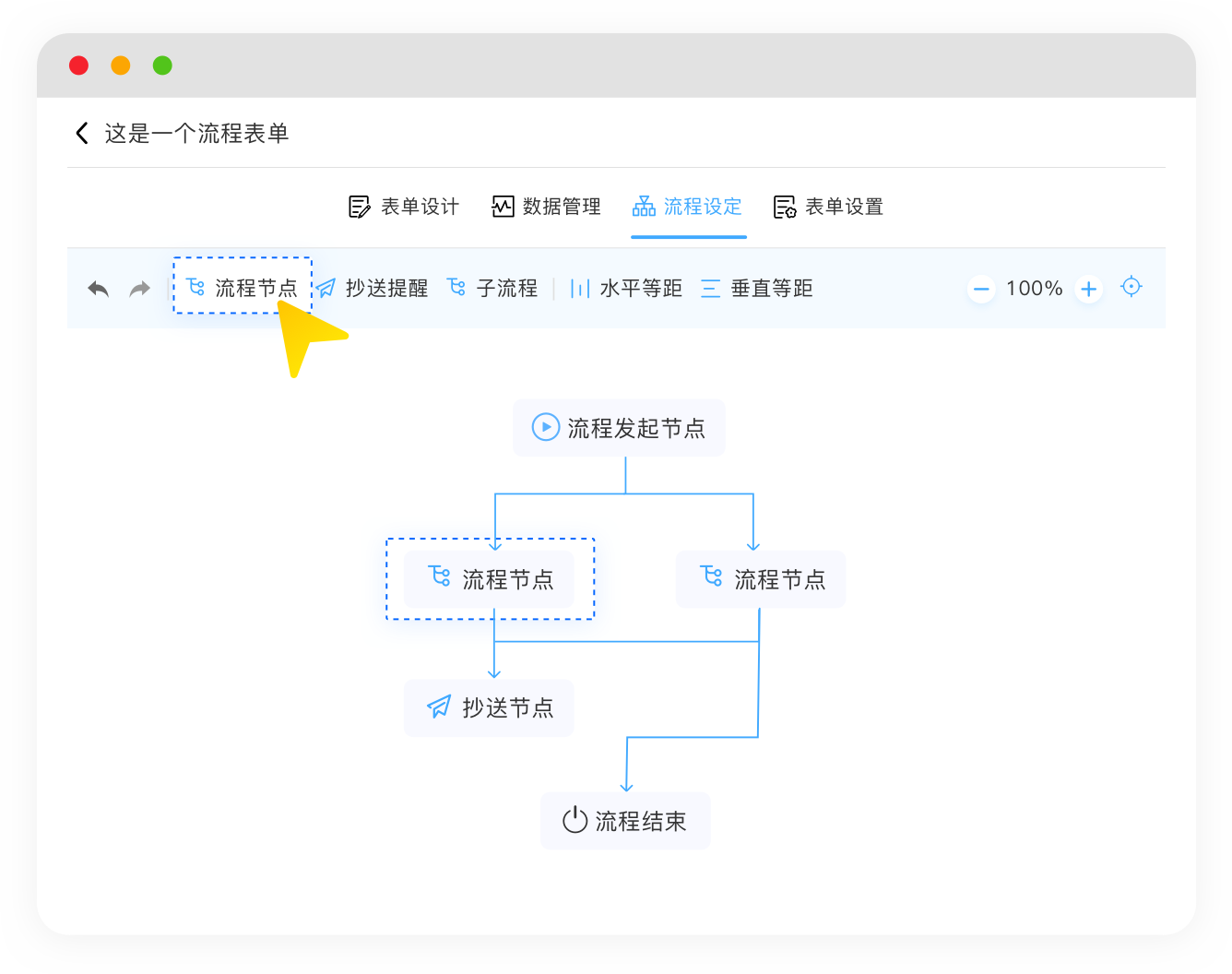
Move business processes to the cloud with a visual workflow designer. A few simple settings are all it takes to automate how your data moves.
Get StartedBuild processes visually
Design, automate, monitor, and improve workflows for any business process.
01 / Design
Complete a workflow application by dragging process nodes into place and connecting them visually.
Get Started →
02 / Approve
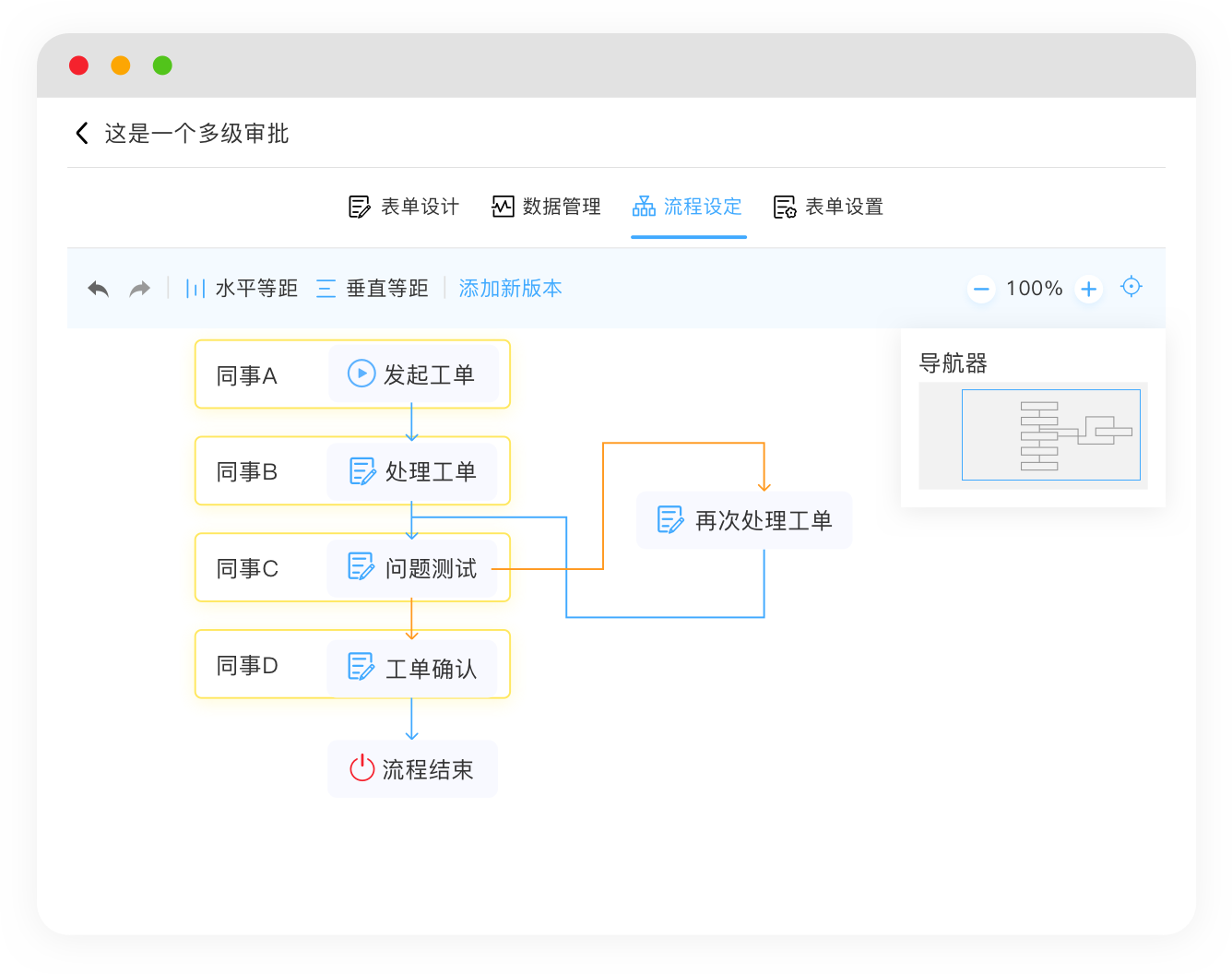
Route requests from colleague A to B, C, and D, completing each approval in sequence according to your rules.
Get Started →03 / Orchestrate
Launch multiple subprocesses from a primary workflow and connect complex multi-process operations seamlessly.
Get Started →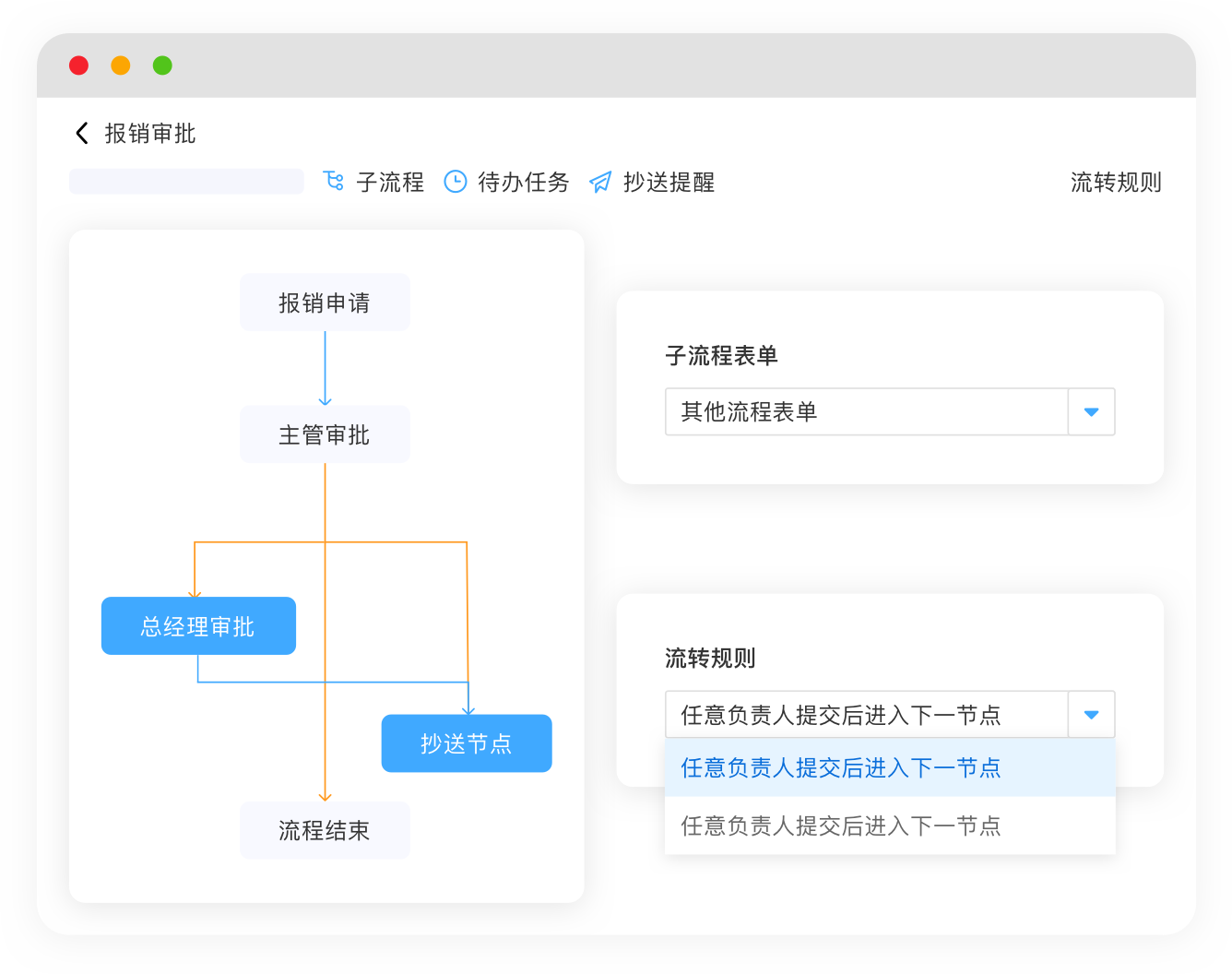
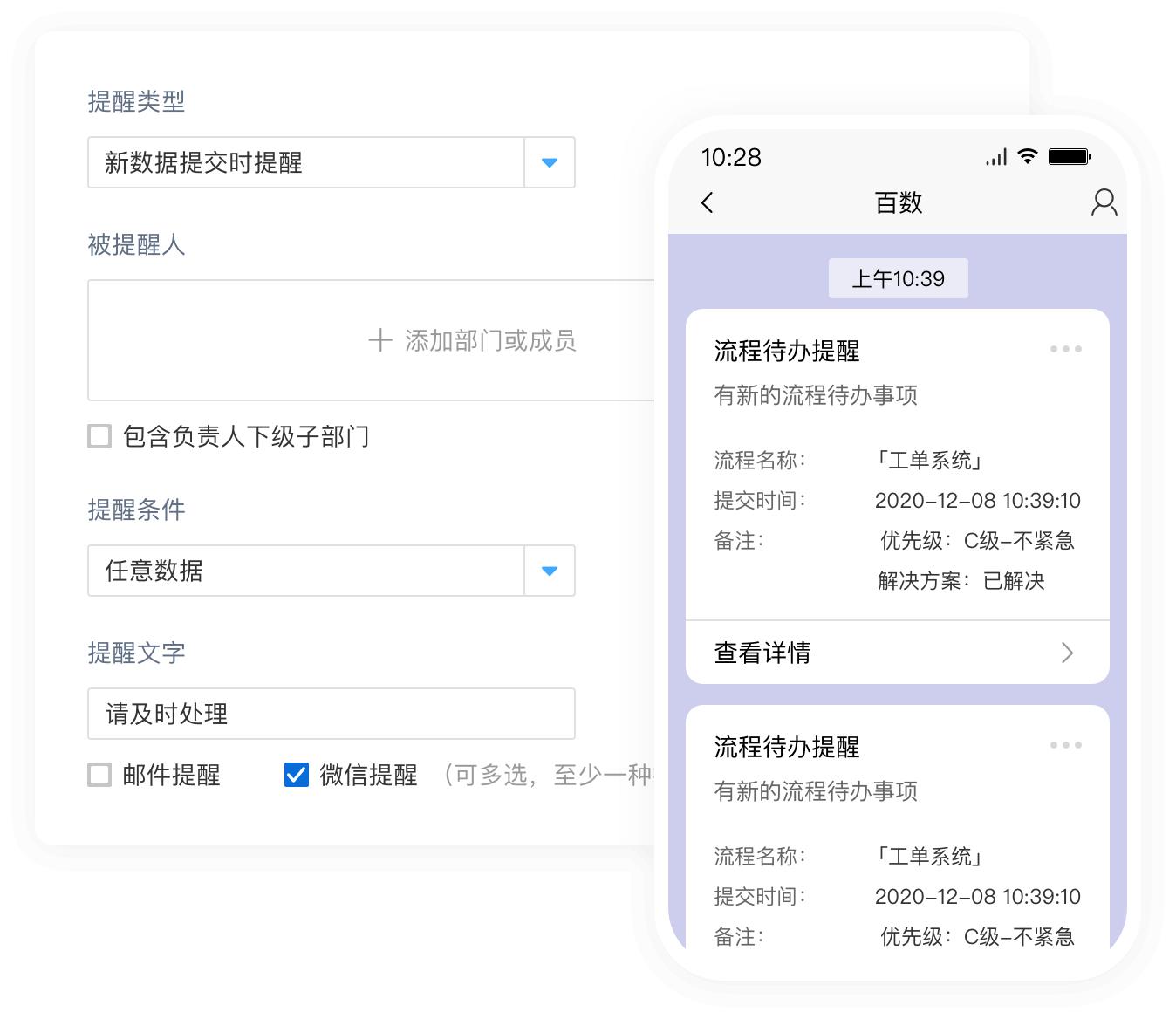
04 / Inform
Send reminders through DingTalk, WeCom, WeChat official accounts, and email so processes are handled on time and results reach everyone who needs them.
Get Started →05 / Automate
Configure automatic workflow actions that prevent delays and keep work moving without manual intervention.
Get Started →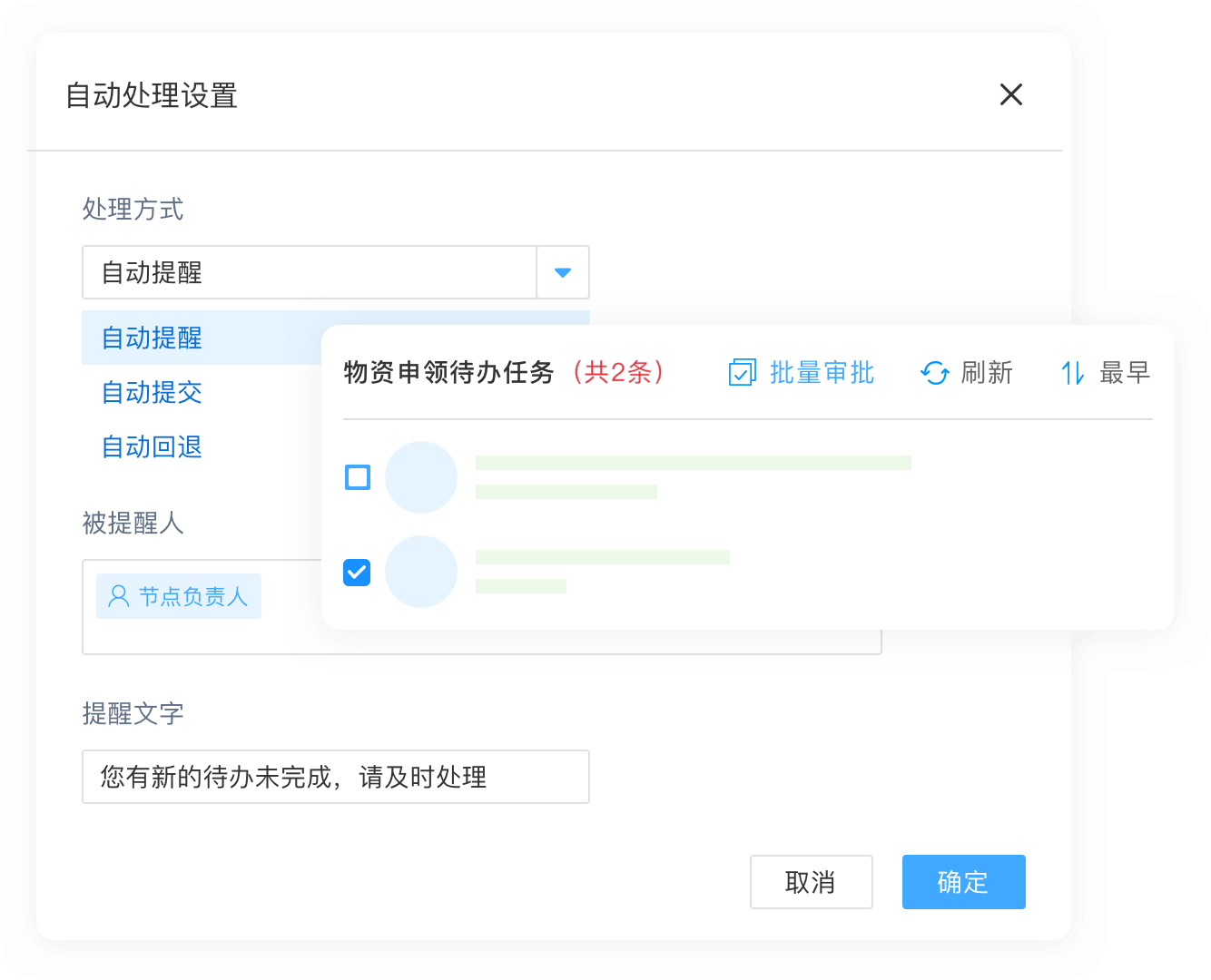
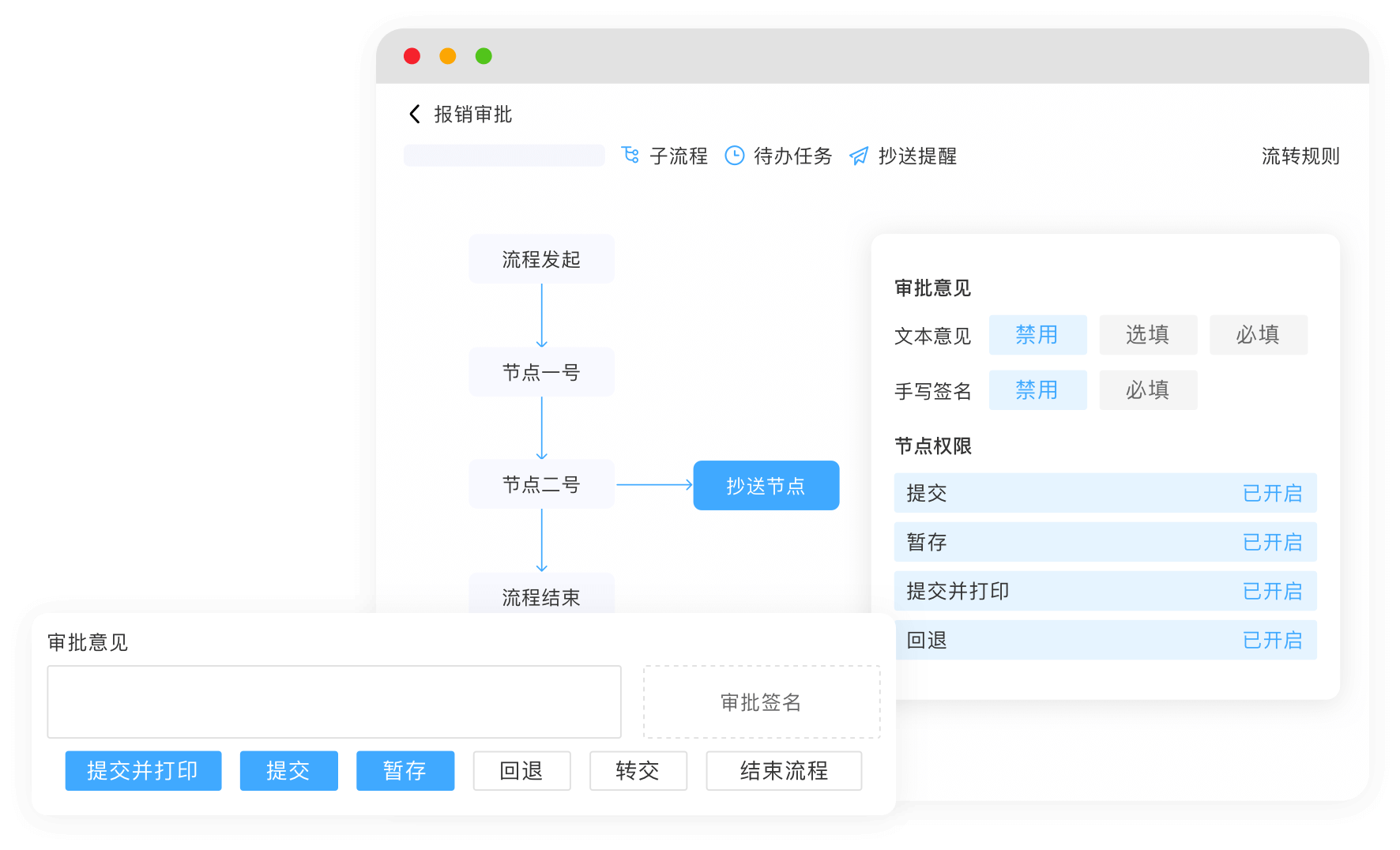
06 / Control
Use workflow briefs, reassignment, rollback, approval comments, process logs, handwritten signatures, and more across diverse business scenarios.
Get Started →Built for real work